
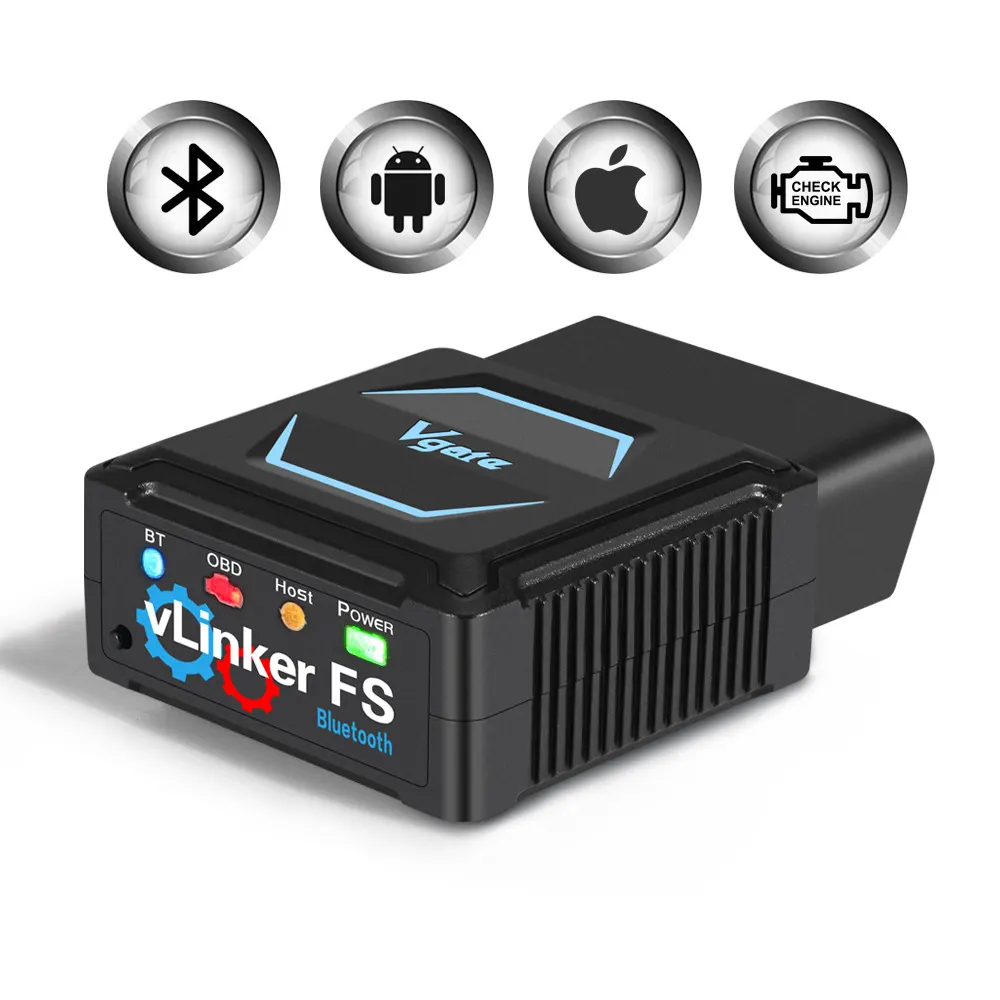
Short answer: The vLinker FS BT is an adapter that carries diagnostic communication between a vehicle and compatible software; it is not the software itself. The product is documented as an English-version 12 V Bluetooth OBD adapter. For FORScan use, confirm the current supported adapter list, software environment and vehicle task in FORScan's own documentation. A successful connection does not automatically mean that every module, service function or configuration change is available. vLinker FS BT English-version Bluetooth OBD adapter is the documented product used for this comparison.
The adapter and FORScan are separate parts of the workflow
The vLinker FS BT is an adapter that carries diagnostic communication between a vehicle and compatible software; it is not the software itself. The product is documented as an English-version 12 V Bluetooth OBD adapter. For FORScan use, confirm the current supported adapter list, software environment and vehicle task in FORScan's own documentation. A successful connection does not automatically mean that every module, service function or configuration change is available. The vLinker FS BT is an adapter that carries diagnostic communication between a vehicle and compatible software; it is not the software itself. The product is documented as an English-version 12 V Bluetooth OBD adapter. For FORScan use, confirm the current supported adapter list, software environment and vehicle task in FORScan's own documentation. A successful connection does not automatically mean that every module, service function or configuration change is available.
Check current support before buying
| Component | Role | Limit |
|---|---|---|
| vLinker FS BT | Vehicle-to-device communication | Does not create unsupported software functions |
| FORScan | Software environment | Support and licensing can change |
| Vehicle | Target system | Coverage varies by model and module |
Use stable vehicle power for configuration work
- Confirm the software and adapter pairing.
- Connect and identify the vehicle before selecting a function.
- Save original values or fault information.
- Make one controlled change and verify it.
Keep a recovery record
The listing does not specify wireless range, all supported operating systems, every FORScan function, vehicle coverage or a programming guarantee.
Keep the adapter in its proper boundary
The vLinker FS BT is a sensible FORScan accessory when the current official support information matches the intended vehicle task. For related context, see Ford FORScan Bluetooth Adapter UK: Compatibility Checks. For related context, see Vgate vLinker FS BT: UK Buyer Guide to Function Boundaries. The documented next step is the vLinker FS BT English-version Bluetooth OBD adapter.
Sources and safety context
Confirm current vehicle, software and adapter support in FORScan's own documentation before relying on a function. FORScan official site.
Use the product page as the final check for the documented model, included items and stated limits before ordering.