
Short answer: A Bluetooth adapter for Ford and FORScan is useful only when the adapter, operating system, FORScan version and vehicle connection are all compatible. The vLinker FS BT is documented as an English-version 12 V Bluetooth OBD adapter. FORScan's own site and documentation should remain the authority for supported adapters and current software behaviour. The adapter provides a communication path; it does not guarantee access to every module, configuration function or repair outcome. vLinker FS BT English-version Bluetooth OBD adapter is the documented product used for this comparison.
Compatibility is a chain, not one product name
A Bluetooth adapter for Ford and FORScan is useful only when the adapter, operating system, FORScan version and vehicle connection are all compatible. The vLinker FS BT is documented as an English-version 12 V Bluetooth OBD adapter. FORScan's own site and documentation should remain the authority for supported adapters and current software behaviour. The adapter provides a communication path; it does not guarantee access to every module, configuration function or repair outcome. A Bluetooth adapter for Ford and FORScan is useful only when the adapter, operating system, FORScan version and vehicle connection are all compatible. The vLinker FS BT is documented as an English-version 12 V Bluetooth OBD adapter. FORScan's own site and documentation should remain the authority for supported adapters and current software behaviour. The adapter provides a communication path; it does not guarantee access to every module, configuration function or repair outcome.
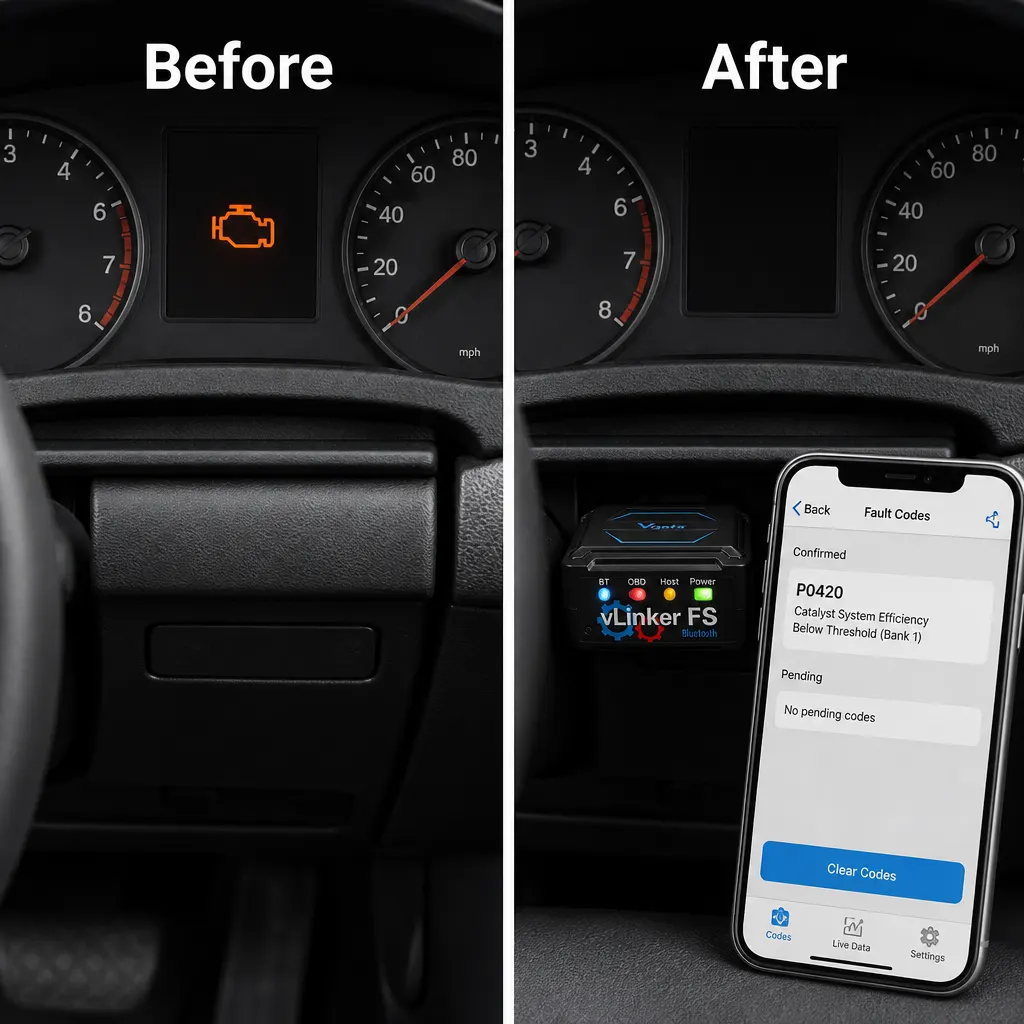
Use FORScan documentation for current support
| Layer | Check |
|---|---|
| Adapter | vLinker FS BT model and version |
| Software | Current FORScan documentation and compatible platform |
| Vehicle | Ford model, year and OBD connection |
| Task | Read-only scan or configuration change |
12 V describes the vehicle-side adapter context
- Confirm the exact adapter and software versions.
- Connect with the vehicle stable and the ignition state required.
- Read and save original data before any configuration task.
- Follow FORScan's own procedure and verify the result.
Back up or record settings before changes
The product listing does not guarantee a particular Ford model, operating system, FORScan licence, configuration function, data backup method or wireless range. Do not present the adapter as a programming tool by itself.
Verify the whole FORScan connection chain
Buy the vLinker FS BT only after the current FORScan support information and your Ford workflow agree. For related context, see Vgate vLinker FS BT: UK Buyer Guide to Function Boundaries. For related context, see vLinker FS Bluetooth for FORScan: What It Can and Cannot Do. The documented next step is the vLinker FS BT English-version Bluetooth OBD adapter.
Sources and safety context
Confirm current vehicle, software and adapter support in FORScan's own documentation before relying on a function. FORScan official site.
Use the product page as the final check for the documented model, included items and stated limits before ordering.